Frequently Asked Questions
Find answers to your questions.
As soon as you signed up for an account, you can click on Billing and chose a plan. You will be asked to
add your credit card and payment information. This part is handled by Stripe, a secure payment provider.
We have no access to your credit card information.
You find your invoices in the next menu item "Invoices". You can download them as PDFs.
Currently, we are providing a free trial with a limited number of posts / messages per month (see pricing), in order for you to try out whether it works for you or not. But we keep the right to change that at any time.
Currently, SuperTurtle.AI is built for desktop use only. But you can access the SuperTurtle.AI dashboard with your phone and create posts there.
Currently, we only work on LinkedIn, but share your feedback with us and we will consider other social media sites. If you are interested in other social media sites, please let us know (hello[@]superturtleai.com).
The Chrome Extension can read the data from LinkedIn and SuperTurtle.AI website, but no other websites (your browser is preventing that).
We can't read any of your sensitive data like your online banking or other personal data.
Go to the Extensions in your Chrome browser and check the permissions of the SuperTurtle.AI Chrome Extension.
Whenever we update the Chrome Extension, your Chrome Extension will also be updated. no need to do it on your own.
No, because you are basically posting yourself and you are in control of the content, it's not against the terms of service of LinkedIn.
You can read the LinkedIn User Agreement here.
No, SuperTurtle.AI will not post content without your approval. You have to approve the content before it is posted on LinkedIn.
SuperTurtle.AI helps you to create creative content and posts for LinkedIn but it will not post anything without your approval.
This helps you stay within the terms of service of LinkedIn and avoid that anything is posted that you don't want to.
Yes, of course. You can set the tone of your posts, comments and messages in SuperTurtle.AI. Currently, you can't
change the list of variations of the tone of your voice. But you can add additional information in the customization field.
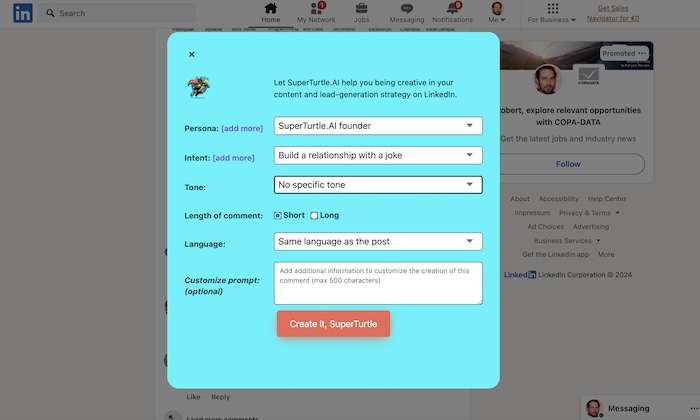
Personas in SuperTurtle.AI help you to give the AI an understanding of how the person is that you want to post as.
You can have different personas in case, you are posting for different companies or different projects.
Write a clear description about who you are, your name, your role, the company you work for and any information that
can help to make the posts more authentic.
You can use your LinkedIn profile description as a good start.
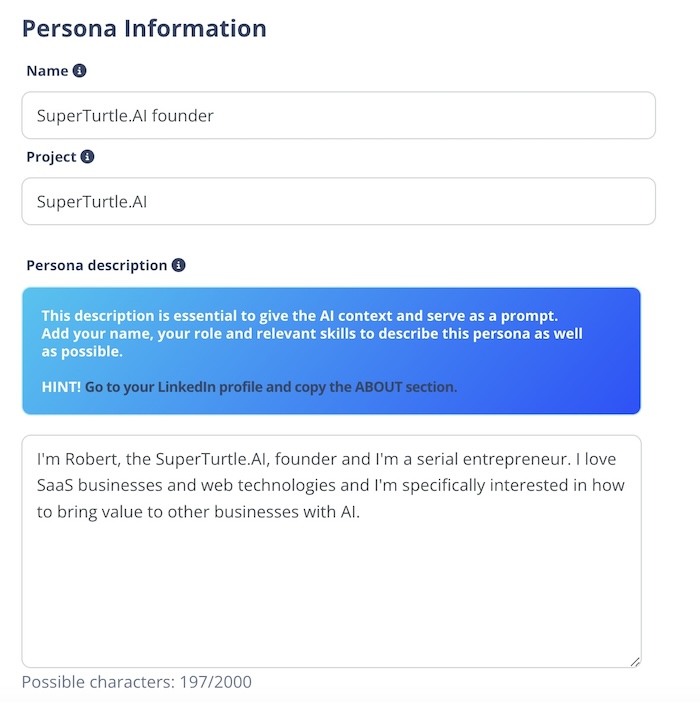
Go to a post that you find relevant and click on the Comment-icon. The SuperTurtle.AI icon should appear within
the textbox. Just click on the SuperTurtle.AI icon and create a creative comment with your tone, persona and intent.
It's super easy.
SuperTurtle.AI will read the post content and create a comment based on the content of the post. If you are replying
within a thread, SuperTurtle.AI will read the thread and create a comment based on the thread.
Go to your messages on LinkedIn. Pick a conversation, you want to comment on. Click in the textbox with the text "Write a message" and click on the SuperTurtle.AI icon that should appear beneath. You can create a positive or negative or creative response immediately.
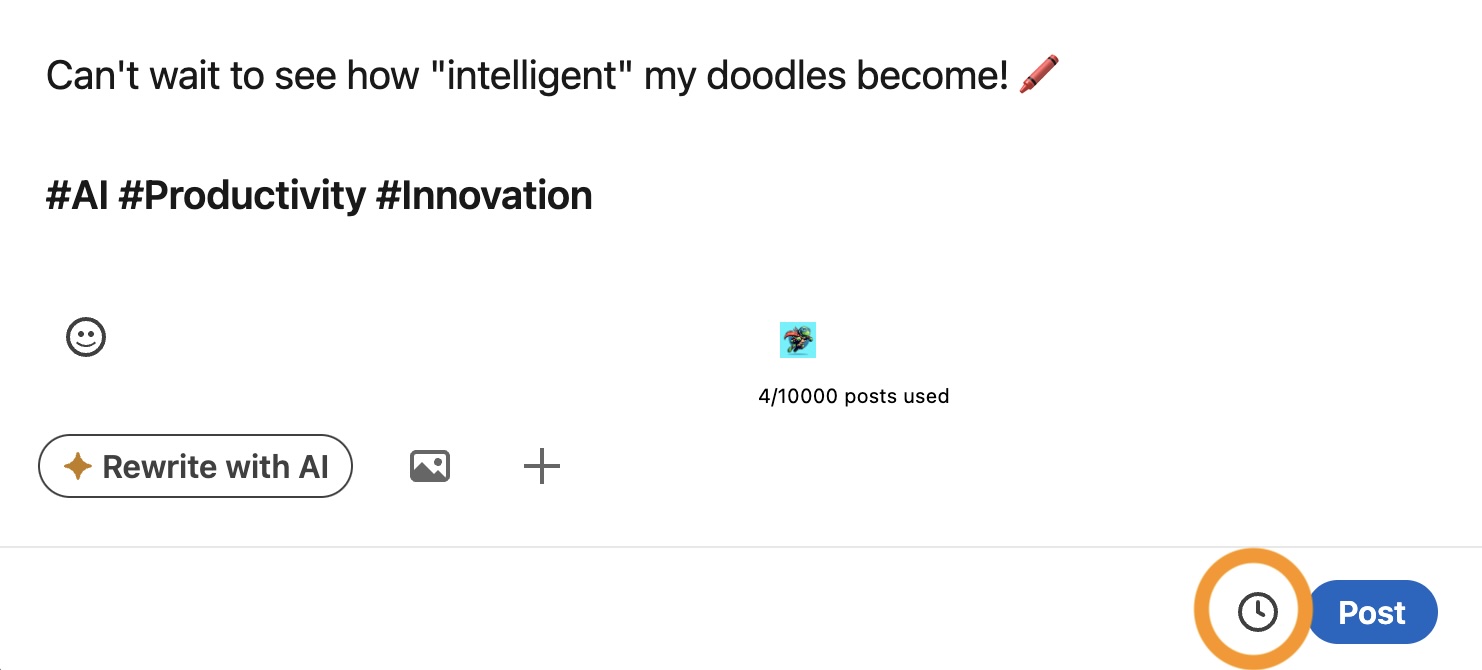
In the SuperTurtle.AI dashboard, you can change the intents via this link for creating posts, comments and messages.
Or, you can change it directly in the Chrome Extension, when you are creating a post, comment or message in LinkedIn.
Just click on {Edit intents} next to the intents in the widget and change the intents.