Want to supercharge your LinkedIn marketing? Here are 7 AI tools that can help:
- SuperTurtle.AI: Creates engaging posts and articles
- Taplio: Schedules content and provides analytics
- Crystal: Gives personality insights for better communication
- Dux-Soup: Automates lead generation and outreach
- Grammarly: Improves writing quality
- Lempod: Boosts post engagement through pods
- ChatGPT: Generates content ideas and drafts
Quick Comparison:
| Tool | Main Feature | Starting Price |
|---|---|---|
| SuperTurtle.AI | Content creation | Not specified |
| Taplio | Content scheduling | $29/month |
| Crystal | Personality insights | Free (Premium $588/year) |
| Dux-Soup | Lead generation | $11.25/month |
| Grammarly | Writing improvement | Free (Premium available) |
| Lempod | Engagement pods | Not specified |
| ChatGPT | Content ideation | Free (Premium available) |
These tools can save time and boost your LinkedIn results. But remember: AI is a helper, not a replacement for your creativity. Use these tools wisely to make your LinkedIn presence more effective.
Related video from YouTube
How AI Helps LinkedIn Marketing
AI is changing LinkedIn marketing. It’s not just a nice-to-have; it’s becoming essential for serious marketers on the platform.
Here’s how AI is making waves:
1. Content Creation Boost
AI tools pump out ideas and draft posts that sound like you. This means more content without burning out. Postwise, for example, uses AI to craft posts that get more engagement on LinkedIn.
2. Smart Posting Times
No more guesswork. AI figures out when your audience is online and posts then. More eyeballs, more engagement.
3. Personal Touch at Scale
AI helps you customize messages, even when reaching out to hundreds. One user shared:
"In under two weeks, my meeting bookings jumped 78%. The tool pinged me when prospects posted. I was first to comment, starting real conversations."
4. Data Insights
AI crunches numbers fast. It spots trends in your LinkedIn performance and suggests improvements. Smarter strategy, better results.
5. Automated Outreach
AI handles initial contacts and follow-ups. You focus on building deeper connections. Aimino Tech GmbH’s AI tools show impressive results:
| Metric | Improvement |
|---|---|
| Response rates | 30% up |
| Post engagement | 50% better |
6. Eye-Catching Visuals
AI tools like Photoleap help create striking images for posts. Important, since posts with images get 98% more comments on LinkedIn.
7. Hashtag Help
Tools like Hootsuite’s AI hashtag generator find the best tags for your posts. Reach a wider audience, get more eyes on your content.
AI isn’t just changing the game; it’s rewriting the rules for LinkedIn marketing.
SuperTurtle.AI
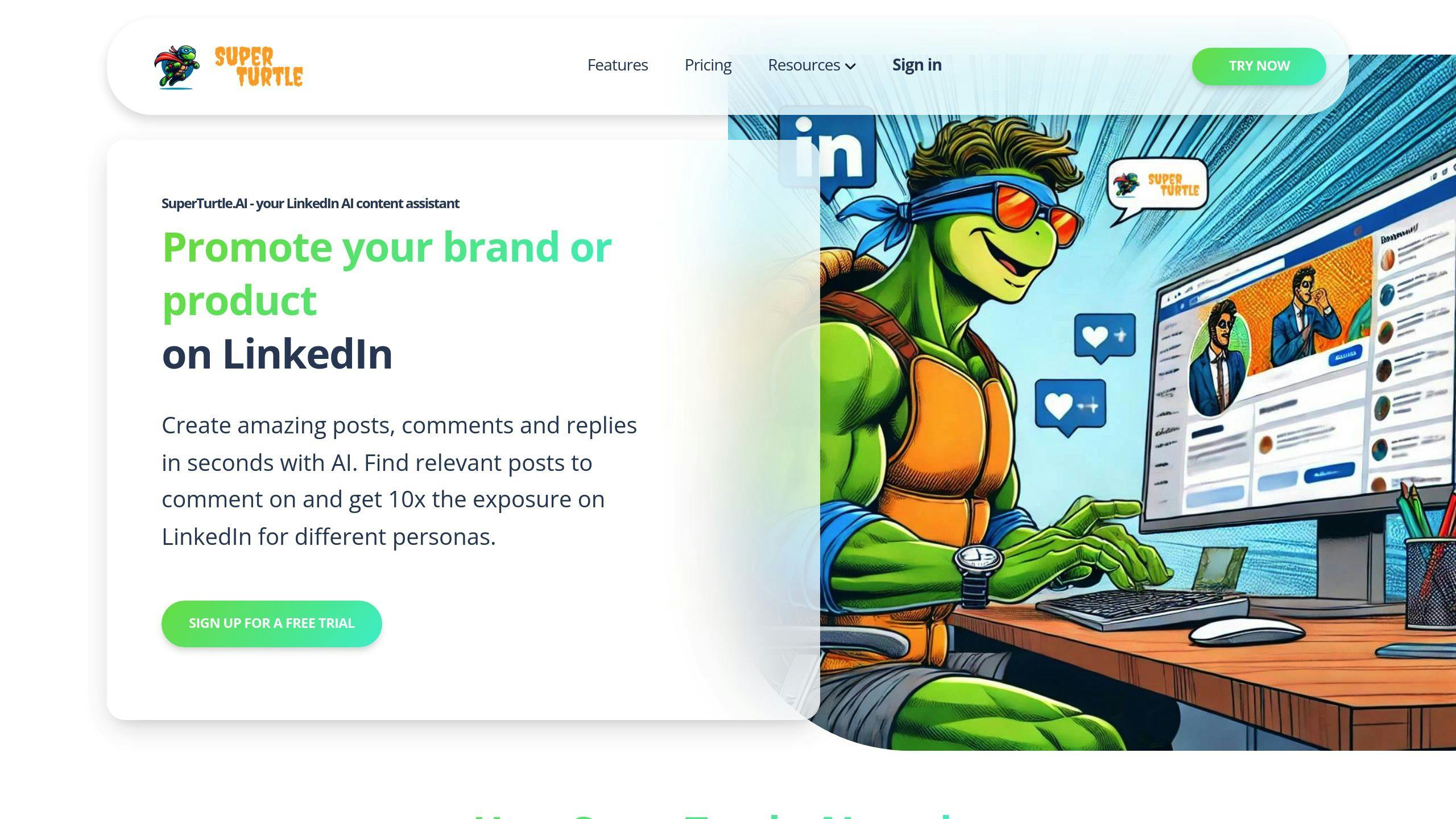
SuperTurtle.AI is an AI assistant that boosts your LinkedIn game. It’s perfect for busy pros who want to up their content without the headache.
Here’s the scoop:
- It writes posts and comments that sound like you
- Tailors content to your brand and audience
- Super easy to use, even if you’re not tech-savvy
One happy user, Klaus-M. from Austria, says:
"Super easy to set up and use on LinkedIn. I’m way more active now with less time spent."
SuperTurtle.AI comes in two flavors:
| Plan | Price | What You Get |
|---|---|---|
| Free | €0/month | Basic AI help |
| Paid | From €49/month | Full 22-feature package |
The paid plan includes AI Content Creation, Automated Text Generation, and Collaboration Tools. Choose cloud or on-premise setup.
Need help? They’ve got email, chat, a knowledge base, and FAQs.
With SuperTurtle.AI, you can:
- Post more without burning out
- Stay in touch with your network
- Grow your business while AI handles the content
2. Taplio
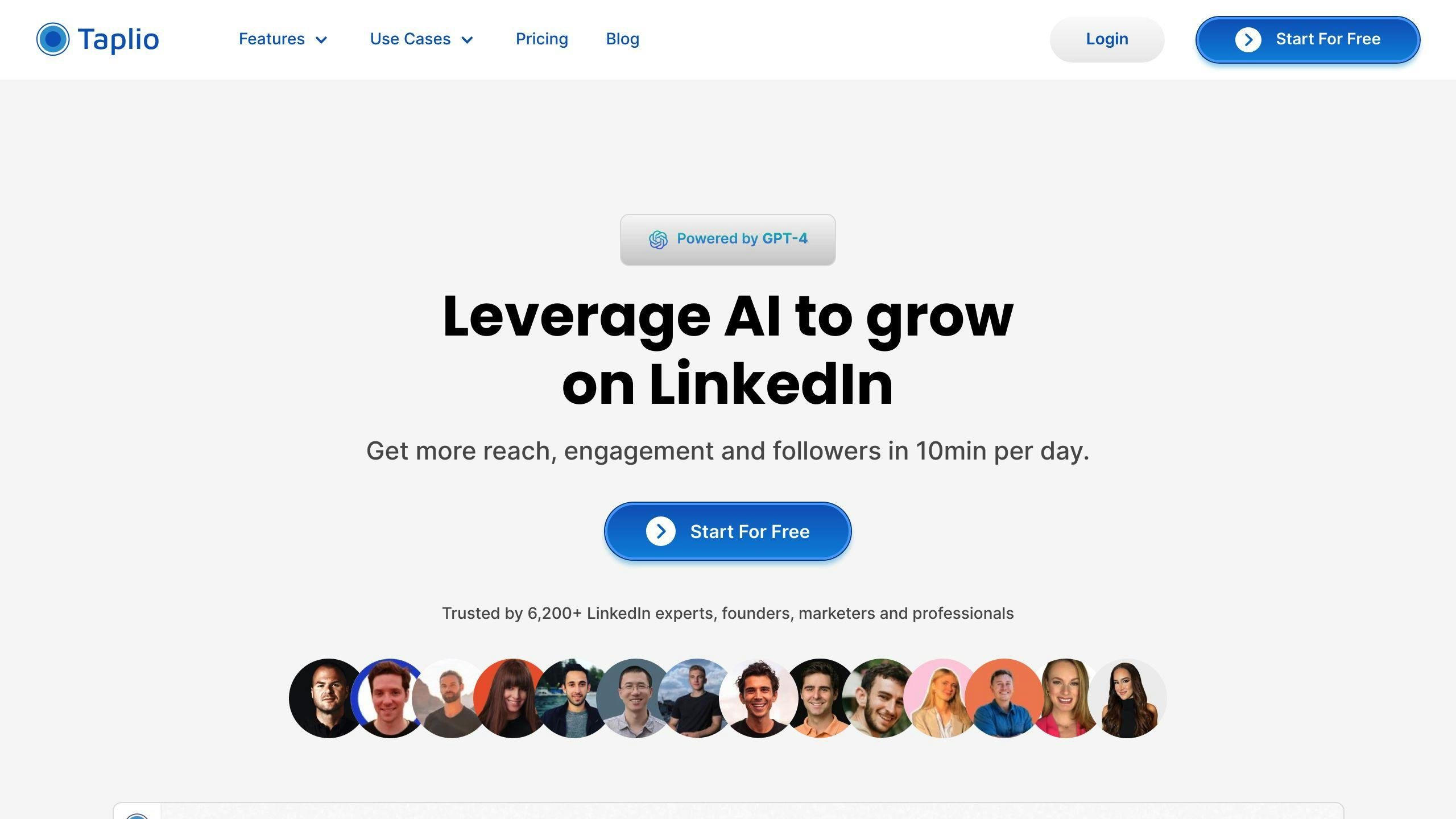
Taplio is an AI-powered LinkedIn assistant that helps you up your LinkedIn game. It’s got tools for content creation, scheduling, and finding leads.
Here’s what Taplio does:
- Makes posts using AI (GPT-4 and GPT-3.5)
- Lets you schedule posts ahead of time
- Tracks your LinkedIn stats
- Helps you find and manage leads
Tibo Louis-Lucas, Taplio’s founder, says:
"Taplio is your trusty sidekick for LinkedIn success. It helps you save time, be more productive, and focus on what really matters – making real connections and great content."
Taplio has three plans:
| Plan | Price | What You Get |
|---|---|---|
| Starter | $39/month | LinkedIn stats, post ideas, scheduling |
| Standard | $52/month | Starter stuff + AI content creation, networking tools |
| Pro | $149/month | Standard stuff + huge LinkedIn database |
There’s also a browser add-on that shows stats right on LinkedIn profiles.
Want to try Taplio? Here’s how:
1. Sign up and tell it about you and your work
2. Use "Generated For You" for content ideas
3. Save ideas to a spreadsheet
4. Make catchy post intros with the hook generator
5. Schedule posts when your audience is most active
3. Crystal
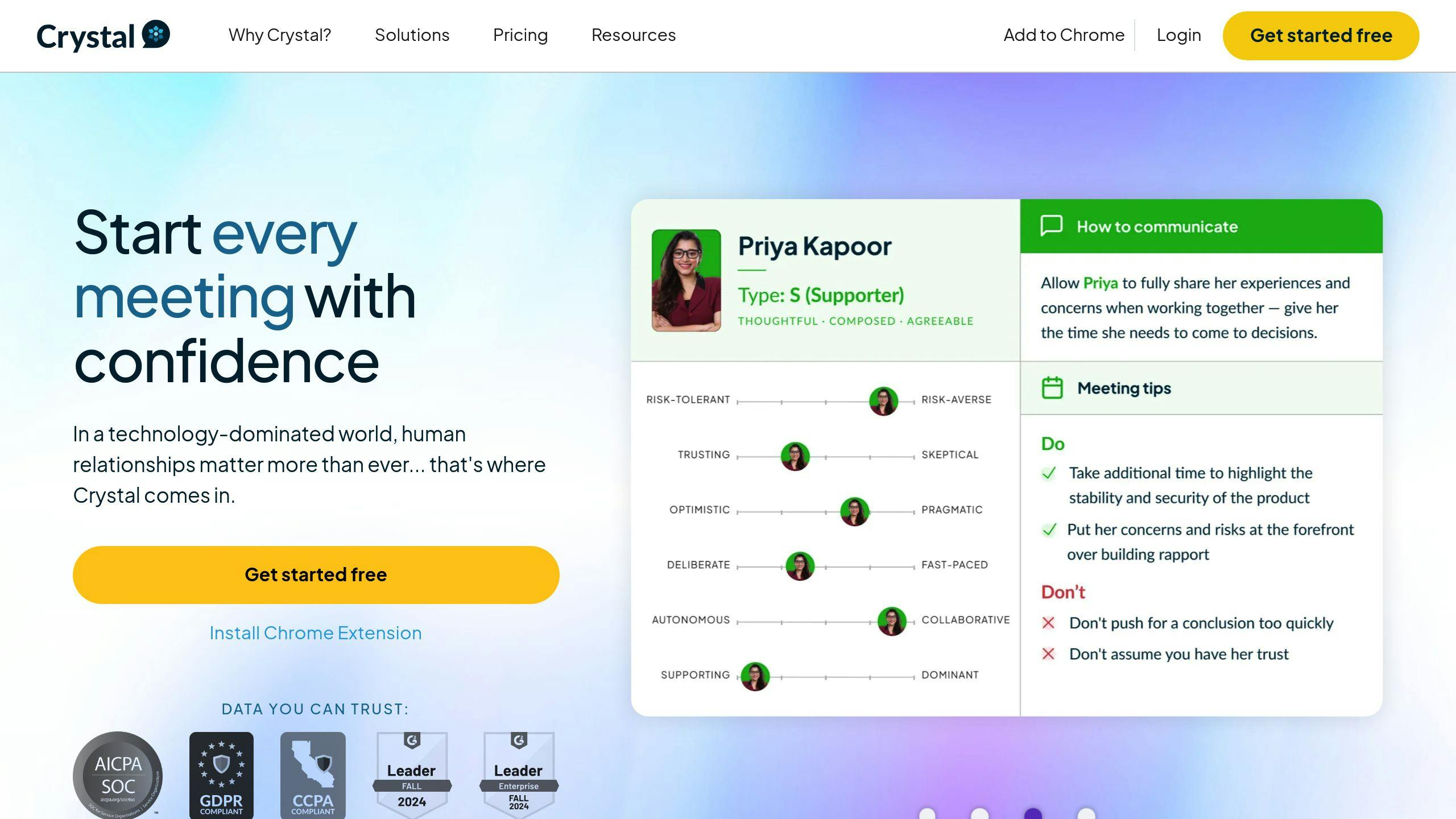
Crystal uses AI to help you connect better with your LinkedIn audience. It looks at public LinkedIn data to create personality profiles, helping you tailor your communication.
What Crystal does:
- Predicts personalities using DISC profiles
- Gives you communication tips for each person
- Offers custom email templates
- Provides insights for different sales stages
Crystal’s impact:
| Metric | Boost |
|---|---|
| Outbound responses | Up 68% |
| Lead conversions | Up 31% |
| Booked meetings | Up 12% |
| Relationship building | 35% faster |
How accurate is it? 97% for verified profiles with personality tests, 80% for public data predictions.
Using Crystal for LinkedIn:
1. Smart prospecting
Know your leads before you reach out.
2. Personal messages
Craft your outreach based on personality.
3. Custom pitches
Focus on what matters to each prospect.
4. Smart closing
Adjust your negotiation style to fit.
Heather Heefner from Dart Design Studio says:
"Crystal helps me build meaningful relationships 30%-35% faster."
Try Crystal free for up to 10 profiles monthly. Need more? Paid plans start at $49/user/month (billed yearly).
4. Dux-Soup
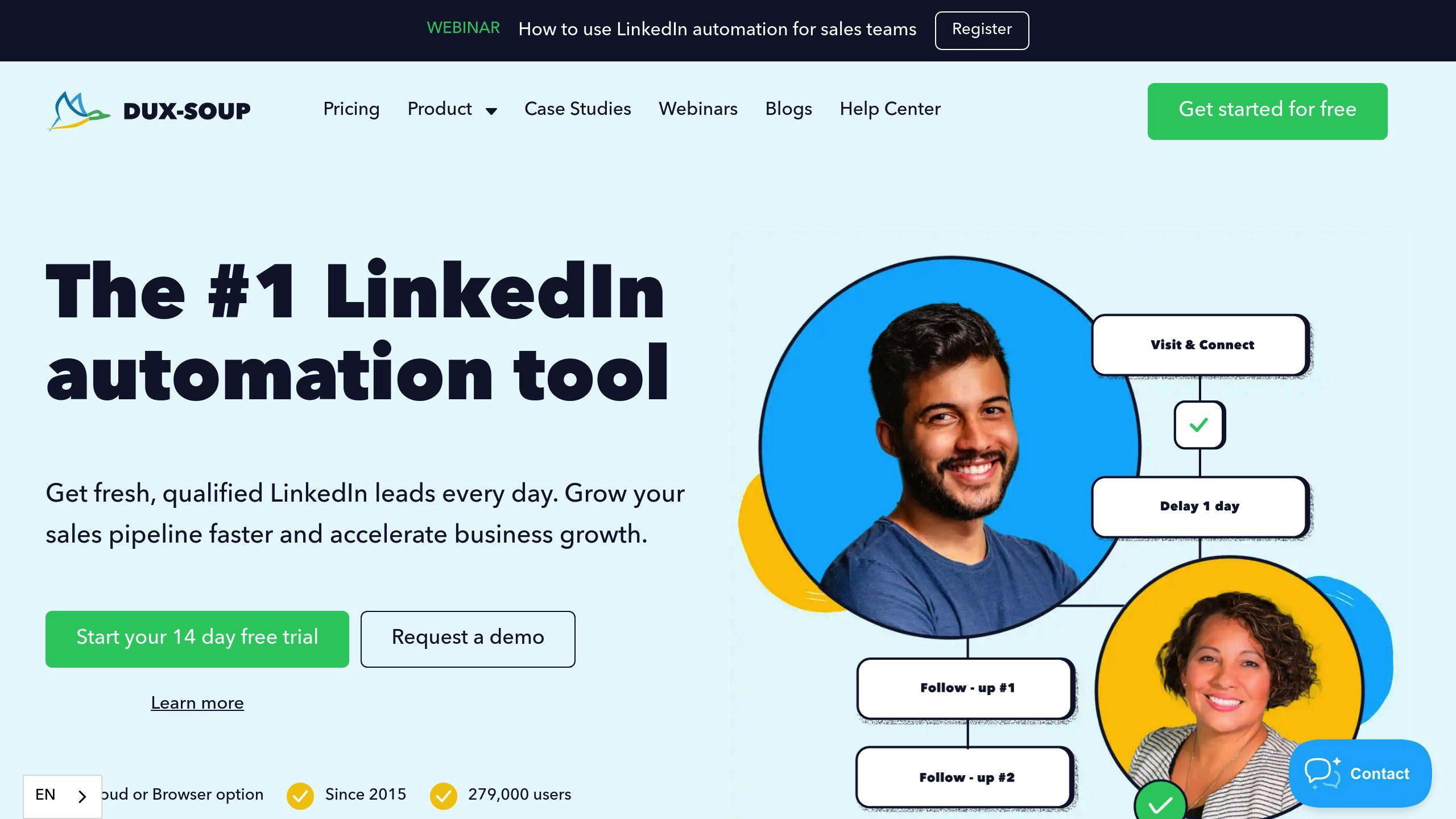
Dux-Soup is a Chrome extension that acts like your LinkedIn wingman. It automates profile visits, connection requests, and follow-ups to boost your lead generation game.
Here’s what Dux-Soup can do for you:
- Visit profiles automatically
- Send personalized connection requests
- Set up follow-up message sequences
- Manage campaigns
- Play nice with your CRM
Dux-Soup offers three plans:
| Plan | Monthly | Annual (per month) |
|---|---|---|
| Pro-Dux | $14.99 | $11.25 |
| Turbo Dux | $55.00 | $41.25 |
| Cloud Dux | $99.00 | $74.16 |
You can try any plan free for 14 days.
What’s cool about Dux-Soup? You can run multiple campaigns at once, targeting different groups. Set up drip campaigns with up to 12 steps, including profile views, connection requests, and messages, all on your schedule.
David Duccini, a Dux-Soup fan, shared his story:
"I went from 4,000 first-degree connections to over 10,000 in one year by scanning and visiting profiles using Dux-Soup, without sending any connection requests, InMails, or emails."
He later hit 22,500+ connections using Dux-Soup’s features.
But heads up: LinkedIn might not love automation. Use Dux-Soup carefully to avoid getting your account flagged or banned.
Want to make the most of Dux-Soup?
1. Use smart search filters
Find the right prospects for your business.
2. Make your messages personal
Craft custom messages for each campaign to get more responses.
3. Keep an eye on your stats
Track views, acceptances, and message performance to improve your campaigns.
4. Connect with your CRM
Sync your LinkedIn connections with tools like Hubspot, Pipedrive, or Salesforce for smooth lead management.
5. Grammarly
Grammarly is an AI writing assistant that helps you polish your LinkedIn content. It’s not just a spell-checker – it improves your writing’s clarity, tone, and style.
Here’s what Grammarly can do:
- Fix grammar, spelling, and punctuation
- Suggest better phrasing
- Match your brand’s tone
- Check for plagiarism
- Score readability
Grammarly has two plans:
| Plan | Price | What You Get |
|---|---|---|
| Free | $0 | Basic fixes |
| Premium | $12/month (yearly) | Advanced help, tone tweaks, plagiarism check |
Big names like Atlassian and Eventbrite use Grammarly to boost their communication.
"Grammarly quickly rewrites entire paragraphs so you can stay focused and avoid excessive back-and-forth", says Jennifer Bruton, a tech marketer and Grammarly fan.
How to use Grammarly for LinkedIn:
- Check all posts before publishing
- Use the tone detector for brand consistency
- Use the sidebar for quick fixes
- Customize settings for your audience
Grammarly works with Google Docs and Microsoft Word, so it’s easy to fit into your routine. It’ll save you time on editing, letting you focus on creating great LinkedIn content.
sbb-itb-d5be3ae
6. Lempod
Lempod uses AI to boost your LinkedIn posts. It’s all about engagement pods – groups of users who help each other’s content get seen more.
Here’s the deal:
1. Join pods in your industry
2. Add your post to these pods
3. Pod members like and comment on it
Lempod says this can make your post 3-10 times more visible.
They offer three plans:
| Plan | Price/Month (Annual) | What You Get |
|---|---|---|
| Starter | $15 | Basics, 5 pods |
| Pro | $35 | More features, 20 pods |
| Agency | $99 | Everything, 50 pods |
Tips for using Lempod:
- Pick pods in your field
- Ask questions in comments
- Don’t overpost
- Write your own comments
Jeremy Goillot from Spendesk likes it:
"Lempod gets our employees engaging on our LinkedIn posts. This means our job posts reach way more people. It’s helped us find great talent for Spendesk’s growth."
But remember: Lempod’s just a tool. Focus on great content first. Use Lempod to get the ball rolling, but keep things looking natural. Too many comments compared to likes? That’s a red flag.
7. ChatGPT

ChatGPT is shaking up LinkedIn marketing. It’s not just a tool; it’s like having a marketing assistant in your pocket.
Here’s how you can use ChatGPT to level up your LinkedIn game:
1. Profile Optimization
Ask ChatGPT to review your profile. Try this:
"Hey ChatGPT, pretend you’re a client. Rate my LinkedIn profile and tell me how to make it better."
2. Content Creation
Need ideas for posts? ChatGPT’s got your back. Just say:
"Write me a LinkedIn post about [your topic]. Make it punchy and add a call-to-action."
3. Personalized Messaging
Crafting connection requests? ChatGPT can help. Here’s a prompt:
"I need a connection request for a Marketing Director at a tech company. Show how our services can boost their business."
4. Engagement Boost
ChatGPT can help you stay active on LinkedIn. Use it to brainstorm comment ideas for other people’s posts.
5. Lead Magnet Ideas
Want to create a whitepaper or ebook? ChatGPT can help you outline it.
| ChatGPT Use | What You Get |
|---|---|
| Profile Optimization | Better visibility, stronger first impression |
| Content Creation | Regular, engaging posts |
| Personalized Messaging | More connections, better response rates |
| Engagement Boost | Higher visibility in your network |
| Lead Magnet Ideas | More leads |
But here’s the thing: ChatGPT is a tool, not a magic wand. Emily Baillie, a Digital Marketing & AI Strategist, calls it "the undisputed frontrunner." But it’s just a starting point.
To get the most out of ChatGPT:
- Be specific with your prompts
- Add your personal touch to what it generates
- Use it for ideas, not to replace your voice
- Keep up with LinkedIn’s latest best practices
How to Pick the Right AI Tool for LinkedIn
Picking an AI tool for LinkedIn marketing isn’t easy. Here’s how to do it:
- Know your goals
What do you want? More connections? Better content? Job candidates? Each tool has its strengths. Know your goals to narrow down options.
- Check the features
Look at what each tool offers. Need help with content? Look for tools that generate post ideas or analyze audience interests.
- Try before you buy
Use free trials. Dux-Soup offers a 14-day test run. Get hands-on experience before deciding.
- Consider your budget
Prices vary. Some tools are free, others cost hundreds per year. Make sure the price matches the value.
- Look at integration
Does the tool work with your current systems? This can save time and hassle.
- Assess the learning curve
Some tools are trickier than others. Think about who’ll use it and how much time they have to learn.
- Read user reviews
See what other LinkedIn marketers say. Their experiences can be eye-opening.
- Check for updates
AI and LinkedIn change fast. Pick tools that keep up.
The "best" tool depends on YOU. What works for others might not work for you. Take your time, do your homework, and don’t be afraid to switch if needed.
| Consideration | Why It Matters |
|---|---|
| Goals | Aligns tool with your objectives |
| Features | Finds tools that meet your needs |
| Free Trial | Tests tool in real conditions |
| Price | Fits your budget |
| Integration | Improves workflow |
| Ease of Use | Affects start-up time |
| User Reviews | Gives real-world insights |
| Updates | Keeps tool relevant |
Tips for Using AI Tools on LinkedIn
Want to use AI on LinkedIn without sounding like a robot? Here’s how:
- Make it personal
AI can help write messages, but don’t let it take over. Use tools like SmartWriter for custom connection requests. It works: 88% of people accept these, way more than generic ones.
- Help, don’t sell
Don’t spam people with AI-generated sales pitches. Instead, use AI to spot problems your connections have. Then, create content that solves those problems. This builds trust and can lead to business later.
- Keep it real
AI can give you content ideas, but add your own flavor. Reply to comments yourself and join in conversations. Show there’s a real person behind your profile.
- AI for research, you for decisions
Let AI crunch the numbers and spot trends. But YOU decide what to do with that info.
- Stay professional
LinkedIn isn’t Facebook. Use AI (like Grammarly) to catch mistakes and keep your tone on-brand.
- Play by the rules
Don’t use AI tools that break LinkedIn’s rules. No mass connection requests or data scraping without permission.
- AI + human creativity = win
Let AI handle the boring stuff. You focus on the creative work. Example: AI analyzes your audience, you craft the stories.
- Watch and tweak
Keep an eye on how your AI-assisted efforts are doing. If something’s not working, change it up or try a different tool.
Remember: AI is a helper, not a replacement. Use it to boost your LinkedIn game, not take it over completely.
| Do | Don’t |
|---|---|
| Personalize with AI | Let AI make all decisions |
| Use AI for content ideas | Automate every interaction |
| Analyze trends with AI | Break LinkedIn’s rules |
| Mix AI insights with your creativity | Forget about real engagement |
What’s Next for AI in LinkedIn Marketing
AI is changing LinkedIn marketing. Here’s what’s coming:
Smarter content
AI will help create posts that connect better. By 2025, about 30% of LinkedIn content will use AI. But humans will still add creativity.
Personal experiences
AI will use data to customize content and ads. LinkedIn’s Chief Product Officer, Tomer Cohen, says:
"We wanted to make sure professionals feel in control."
You’ll see more relevant jobs, learning, and ads.
AI networking
AI will suggest personalized conversation starters. LinkedIn’s new messaging is just the start.
Better predictions
AI will spot trends and predict campaign success. By 2025, it might forecast marketing ROI with 95% accuracy.
Voice search ready
As voice searches grow, content will adapt. Think conversational and local.
AR engagement
Augmented Reality will make profiles and pages interactive. Picture virtual demos in your feed.
How to get ready
- Keep learning about AI. LinkedIn adds 60 new AI courses weekly.
- Try new AI tools, but check results.
- Let AI do routine tasks. You focus on strategy.
- Be human. AI helps, but your voice matters.
Wrap-up
AI is changing LinkedIn marketing. Here’s a quick look at 7 top AI tools:
- SuperTurtle.AI: Creates engaging posts and articles
- Taplio: Schedules content and provides analytics
- Crystal: Gives personality insights for better communication
- Dux-Soup: Automates lead generation and outreach
- Grammarly: Improves writing quality
- Lempod: Boosts post engagement through pods
- ChatGPT: Generates content ideas and drafts
These tools can save time and boost your LinkedIn results. Here’s a comparison:
| Tool | Main Feature | Starting Price |
|---|---|---|
| SuperTurtle.AI | Content creation | Not specified |
| Taplio | Content scheduling | $29/month |
| Crystal | Personality insights | Free (Premium $588/year) |
| Dux-Soup | Lead generation | $11.25/month |
| Grammarly | Writing improvement | Free (Premium available) |
| Lempod | Engagement pods | Not specified |
| ChatGPT | Content ideation | Free (Premium available) |
AI isn’t just a trend. It’s becoming essential for LinkedIn marketers. By 2025, about 30% of LinkedIn content will use AI. But remember: AI is a tool, not a replacement for your creativity.
As you start using AI:
- Test different tools
- Keep learning – LinkedIn adds 60 new AI courses weekly
- Use AI for routine tasks, but handle strategy yourself
- Keep your unique voice – it matters
AI in LinkedIn marketing is here to stay. Use these tools wisely, and you’ll make your LinkedIn presence more effective than ever.
FAQs
What is the best AI for LinkedIn marketing?
Sparktoro has recently become a top pick for LinkedIn networking. Here’s why it stands out:
- It gives you the scoop on what your target audience likes online
- This helps you make your LinkedIn profile more appealing
- You can tailor your content to what your audience actually wants
Sparktoro’s pricing:
| Plan | Price |
|---|---|
| Basic | $50/month |
| Standard | $150/month |
| Agency | $300/month |
As of May 2, 2024, Sparktoro is leading the pack. But remember, the "best" tool depends on what YOU need.
When picking an AI for LinkedIn marketing, think about:
- Your budget
- Must-have features
- How it fits with your current setup
- Customer support quality
The right choice will depend on your specific goals and who you’re trying to reach.