Want to boost your LinkedIn game without spending all day on the platform? Here’s how to make it happen in just minutes a day:
- Optimize your profile – Your digital handshake
- Engage strategically – Quality over quantity
- Create content efficiently – Work smarter, not harder
- Automate wisely – Let AI do the heavy lifting
- Track what matters – Focus on key metrics
Quick LinkedIn Power Routine (10 mins/day):
- Comment on 2-3 posts (2 mins)
- Send 2-3 personalized connection requests (2 mins)
- Congratulate connections on wins (2 mins)
- Share 1 update related to your expertise (2 mins)
- Check who viewed your profile (2 mins)
Key AI Tools:
- SuperTurtle.AI – Create posts, manage comments, schedule content
- Taplio – Generate ideas, draft posts, polish writing
Numbers That Matter:
- Engagement rate (likes, comments, shares)
- Impressions
- Clicks
- Leads generated
Related video from YouTube
Build Your Quick LinkedIn Work Plan
You don’t need hours on LinkedIn daily to make an impact. Here’s how to maximize your presence in just minutes:
Your Daily 10-Minute LinkedIn Plan
Think of this as your LinkedIn power routine:
- Comment (2 minutes): Drop smart comments on interesting posts.
- Connect (2 minutes): Send personalized connection requests to new contacts.
- Support (2 minutes): Congratulate your connections on their wins.
- Update (2 minutes): Share something related to your expertise.
- Peek (2 minutes): Check who’s viewed your profile.
This "LinkedIn 5-a-Day Diet" keeps you active without getting sucked into the time-vortex.
Make Your Profile Work Harder
Your LinkedIn profile is your 24/7 brand ambassador. Make it count:
- Picture Perfect: Use a high-quality, professional photo.
- Headline Hero: Craft a compelling headline showcasing your expertise.
- Summary Superstar: Write an engaging summary focused on your professional journey.
- Experience Extraordinaire: Highlight achievements in your work experience.
- Skill Showcase: Add relevant skills and get them endorsed.
Set a monthly reminder to review and refresh your profile. As Grace Lau, Director of Growth Content at Dialpad, says:
"Your LinkedIn profile offers you a shop window to the world."
Keep your window display fresh and eye-catching.
Set Up Only Important Alerts
Balance staying informed with avoiding distractions:
- Prioritize: Configure settings for notifications that matter most.
- Group Digest: Manage group emails in your Privacy & Settings page.
- Endorsement Control: Adjust endorsement email settings in your Profile.
- Daily Check: Spend a few minutes responding to chosen notifications.
InformationWeek notes:
"Managing the alerts is easy — you just need to know where to look."
SuperTurtle.AI and AI Tools for LinkedIn
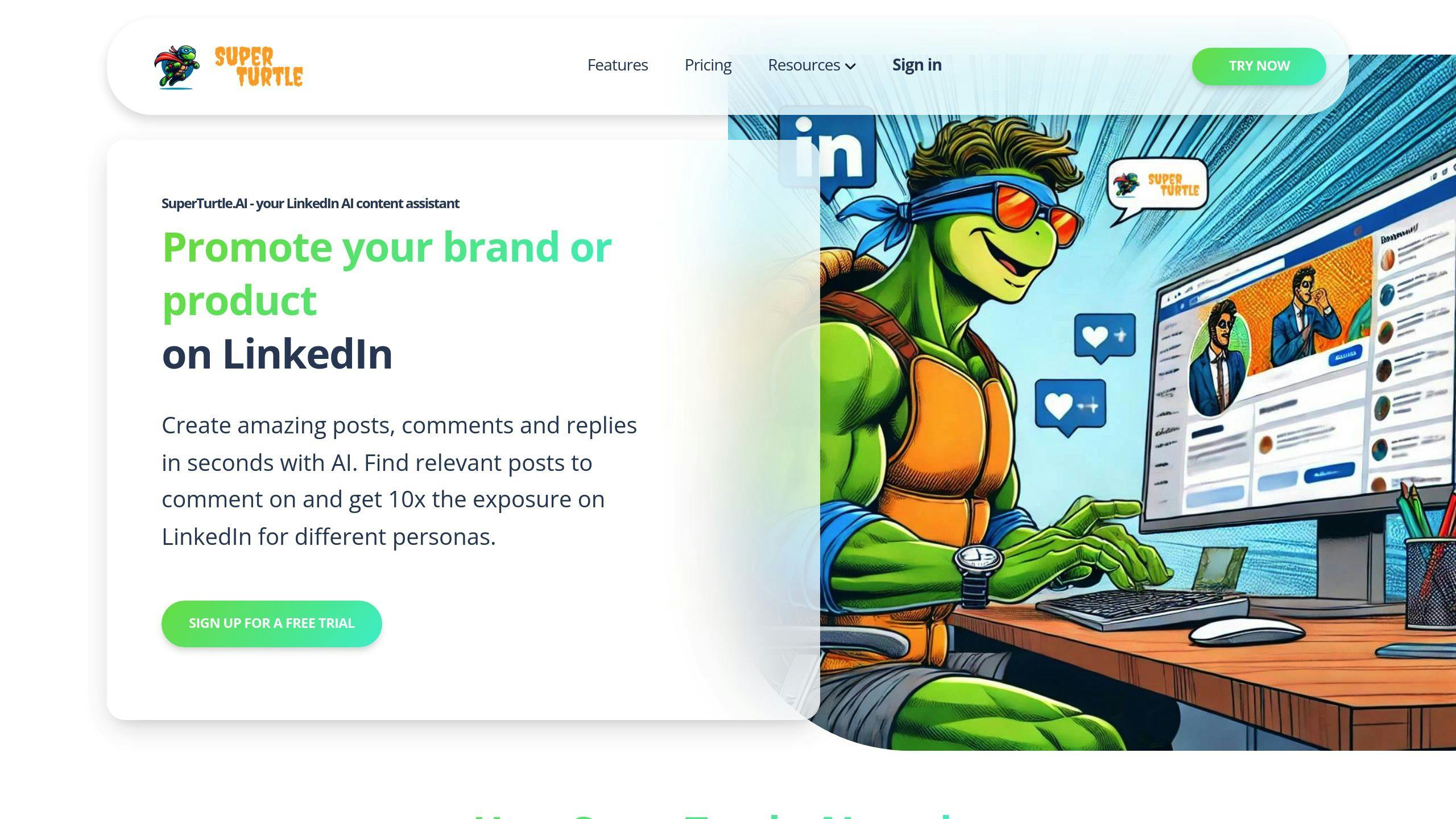
AI tools are changing the game for LinkedIn marketers. Let’s see how SuperTurtle.AI and other AI solutions can boost your LinkedIn strategy without eating up your time.
Create Posts Faster with AI
SuperTurtle.AI is a content creation powerhouse for LinkedIn. This AI assistant whips up posts that sound like you and speak to your audience. It’s like having a writing buddy who knows your style inside out.
With SuperTurtle.AI’s Pro plan, you can crank out up to 100 posts a month. That’s enough for daily LinkedIn content without the daily headache of starting from scratch.
Manage Comments with SuperTurtle.AI
We all know engagement matters on LinkedIn. But who has time to reply to every single comment? Enter SuperTurtle.AI’s comment management feature.
This AI can cook up responses that actually make sense, keeping your engagement personal and on-point. The Pro plan lets you dish out up to 100 comments a month. So you can keep the conversation flowing without being glued to your screen 24/7.
Plan Posts in Advance
Posting regularly on LinkedIn is great, but it can be a real pain. SuperTurtle.AI makes it easy to plan ahead and schedule your posts.
Got the SuperTurtle.AI Chrome extension? You can manage multiple projects and schedule content right from your browser. It’s like having a personal assistant for your LinkedIn calendar.
Here’s a pro tip: Spend an hour on Monday planning your week’s LinkedIn content with SuperTurtle.AI. Then sit back and watch your profile stay active, even when you’re swamped with other work or sipping a margarita on the beach.
Connect with the Right People
In the LinkedIn jungle, connecting with the right people is key. Let’s dive into how to find your ideal contacts and build relationships that matter.
Find Your Best Connection Leads
Quality trumps quantity when it comes to LinkedIn networking. Here’s how to spot and connect with the people who’ll move the needle for your business:
Use LinkedIn’s advanced search to zero in on your target audience. Want to find HR Tech business owners in San Diego? These filters are your best friend.
Don’t ignore the "People You May Know" feature. It’s LinkedIn’s way of playing matchmaker, suggesting connections based on shared backgrounds or industries.
Jump into relevant LinkedIn Groups. It’s like finding your tribe and showing off your expertise at the same time.
Peek at your competitors’ networks. You might spot some hidden gems they’ve already uncovered.
Keep an eye on your newsfeed. The people engaging with content in your field? They could be your next big connection.
"A well-crafted LinkedIn connection message can make a busy decision-maker click Accept to yours and leave pending the other 50+ connection requests they received that day on the platform." – Skylead
Use Ready-Made Comment Templates
Once you’ve spotted potential connections, it’s time to reach out. Here are some templates to get you started:
"Hey [FirstName], I see we’re both connected with [MutualConnection]. We worked together at [Company], and their [SpecificQuality] really stood out. Since we’re both in [Industry], want to connect and see how we might help each other out?"
"Hi [FirstName], Your post in [MutualCommunity] caught my eye. I loved your take on [SpecificInsight]. Want to connect and chat more about it?"
"Hello [FirstName], I’ve been following your work in [Industry]. Your insights on [SpecificTopic] are gold. I’m launching a podcast called [PodcastName] and would love to have you on as a guest. Interested?"
"Hi [FirstName], Great meeting you at [EventName]. Our chat about [Topic] got me thinking. Let’s stay in touch and keep up with each other’s work in [Industry]."
Remember, these are just starting points. Tailor each message to the person you’re reaching out to. It’s this personal touch that turns a cold outreach into a warm connection.
"Adding personalization increases the invite acceptance rate by 88%. Just including the job title and industry can significantly boost acceptance rates." – Salesbread
sbb-itb-d5be3ae
Post Content More Efficiently
Creating engaging LinkedIn content doesn’t have to eat up your time. Here’s how to streamline your process and make the most of what you’ve got.
Turn Old Content into New Posts
Got existing content? Great! Here’s how to give it a new life on LinkedIn:
Blog posts → LinkedIn articles: Take your top-performing blog posts and adapt them for LinkedIn. This not only saves time but also boosts your visibility on both LinkedIn and Google.
Long videos → short clips: Got a webinar or lengthy video? Chop it up into short, punchy clips for LinkedIn. These bite-sized nuggets are perfect for grabbing attention in a busy feed.
Refresh old LinkedIn posts: Don’t let your successful posts gather dust. Give them a new spin by adding fresh insights, tweaking the hook, or updating the call-to-action.
Lindsay Mitrosilis, a consultant, puts it straight:
"Using content you’ve already created isn’t ‘cheating,’ so if you’ve been holding onto that belief, here’s your permission to let that go and START with what you have!"
Let AI Help Write Your Posts
AI tools are shaking up content creation for LinkedIn. Here’s how to use them:
Generate ideas: Tools like Taplio can help you brainstorm post ideas based on current trends and your industry. This can save you hours of thinking and researching.
Draft posts quickly: With tools like GetGenie AI, you can input a topic and main idea, then get a draft post with just a click. Always review and personalize AI-generated content, but it’s a solid starting point.
Polish your writing: Use AI to proofread, edit, and even spice up your writing style.
Taplio, for example, offers these AI-powered features:
| Feature | What it does |
|---|---|
| AI-generated post ideas | Helps you brainstorm |
| Chat assistance (GPT-4) | Aids in content creation |
| Viral post library | Shows you what works |
| Scheduling | Plans your content calendar |
Millie Pham, an author, shares her take:
"Taplio is a LinkedIn game-changer. It streamlines your content creation, optimizes your posting schedule, and provides you with data-driven insights."
Track Results Simply
Let’s cut to the chase: tracking LinkedIn performance doesn’t have to be a headache. Here’s how to measure your efforts without wasting time.
Numbers That Matter Most
Forget vanity metrics. Focus on these key numbers that actually impact your business:
Engagement Rate: This shows how people interact with your posts. Add up likes, comments, clicks, and shares over time. Aim to beat the average LinkedIn impression rate of 9.50%.
Impressions: How many eyeballs are seeing your content? Keep tabs on which post types get the most views. Fun fact: polls are crushing it for impressions in 2024.
Clicks: Are people interested enough to learn more? This measures link clicks in your posts. It’s a direct sign of how relevant and appealing your content is.
Lead Generation: Count those leads! Track responses from InMail, contact forms, or direct messages.
Jennifer Heimann, AVP of Marketing Strategy & Operations at L&L Collective, drops some wisdom:
"Realistic expectations are key! Slow, authentic growth is better than quick growth with people who aren’t interested in your content."
Read Your LinkedIn Stats
LinkedIn gives you built-in tools to quickly gauge your performance:
1. Your Dashboard:
- Find it at the top of your profile, under the About section
- Shows profile views, post/article views, and search appearances
- This data is for your eyes only
2. Company Page Analytics:
- Manage a company page? Click Analytics for the good stuff
- Dive into Content, Visitors, Followers, Leads, and Competitors
3. Content Performance:
- Figure out which posts (text, images, videos, polls) are winning
- Use this to shape your content strategy
4. Audience Demographics:
- Know your followers to create content that hits home
Ibby Hussain, VP of Digital & Creative at Vested, reminds us:
"Employees are your most powerful advocates on LinkedIn, driving both engagement and reach."
Make the most of your LinkedIn analytics:
- Set clear, measurable goals for your strategy
- Check your metrics regularly (weekly or monthly)
- Spot trends in profile views and link them to your activity
- Need deeper insights? Try tools like Socialinsider or Databox
Conclusion: Do More with LinkedIn in Less Time
Want to boost your LinkedIn game without spending all day on the platform? Here’s how to make it happen:
Use AI to Your Advantage
Tools like SuperTurtle.AI can be a real time-saver. With their Pro plan, you can crank out 100 posts and 100 comments each month. That’s a lot of content without the headache of starting from scratch every time.
Keep It Simple and Consistent
Remember the "LinkedIn 5-a-Day Diet"? It’s all about spending just 10 minutes a day on key activities. Comment on a few posts, connect with someone new, and update your status. It’s that easy to stay active without getting sucked into a LinkedIn black hole.
Automate (But Don’t Overdo It)
Automation can be your friend, especially for outreach. Take Expandi, for example. The Expandi team shared this nugget:
"We reached out to 42 people in one outreach campaign once and managed to gain an 83% response rate thanks to dynamic personalization."
That’s the power of smart automation at work.
Quality Beats Quantity
Don’t stress about posting constantly. Focus on creating content that your network actually wants to see. Use AI to brainstorm ideas, but always add your own spin. It’s not a numbers game – it’s about adding value.
Keep Tabs on What Matters
When it comes to tracking your LinkedIn performance, less is more. Pay attention to engagement rates, impressions, clicks, and leads. These numbers will tell you what you need to know without drowning you in data.
Recycle Your Content
Got a blog post? Turn it into a LinkedIn article. Long video? Chop it up into bite-sized clips. Old LinkedIn post? Give it a fresh twist. This approach keeps your content flowing without starting from zero every time.
FAQs
Let’s dive into some common questions about using AI tools to level up your LinkedIn game:
What is the AI tool for content creation on LinkedIn?
ChatAssist is your AI wingman for LinkedIn content. It’s like having a 24/7 brainstorming partner. Here’s the lowdown:
- It helps you craft and refine LinkedIn posts through natural chat interactions.
- You bounce ideas off it like you would with a colleague, working together to create a standout post.
- It’s a time-saver, especially when you’re facing writer’s block or a tight deadline.
But here’s the thing: ChatAssist is a tool, not a replacement for your unique voice. Use it to spark ideas, then add your personal flair to make the content authentically yours.
What is the best AI tool for LinkedIn?
While "best" is subjective, Bardeen is making a splash in the LinkedIn AI tool scene. Here’s why it’s turning heads:
- It’s not just for content creation – it’s a multi-tool for your LinkedIn tasks.
- You don’t need to be a coding wizard to use it. Bardeen speaks plain English.
- It can set up workflows to handle repetitive LinkedIn tasks, freeing you up for big-picture thinking.
Imagine setting up a Bardeen workflow that automatically sends personalized connection requests to folks who’ve engaged with your posts. That’s networking on autopilot.
But here’s the kicker: the "best" tool is the one that fits YOUR needs and workflow. Bardeen is impressive, but don’t shy away from test-driving other options. Maybe ChatAssist’s laser focus on content is more your speed, or perhaps you need something that bridges LinkedIn and your other marketing tools.
The key? Find the tool that makes your LinkedIn life easier and your content shine brighter.