LinkedIn is a powerhouse for B2B lead generation. Here’s how to crush it:
- Optimize your profile: Craft a killer headline and summary. Use keywords.
- Create engaging content: Mix helpful and promotional posts. Use AI tools to help.
- Grow your network: Add connections daily. Join and participate in groups.
- Use LinkedIn features: Try Sales Navigator and Lead Gen Forms.
- Leverage AI tools: Use AI for outreach, content creation, and analytics.
- Track and improve: Monitor key metrics. Experiment and adjust.
- Stay ethical: Use AI responsibly. Follow LinkedIn’s rules.
Quick Comparison: Top AI Tools for LinkedIn
| Tool | Key Features | Best For |
|---|---|---|
| SuperTurtle.AI | Comment generation, Post creation | Engagement |
| Dux-Soup | Connection requests, Messaging | Outreach |
| Taplio | Content creation, Scheduling | Content |
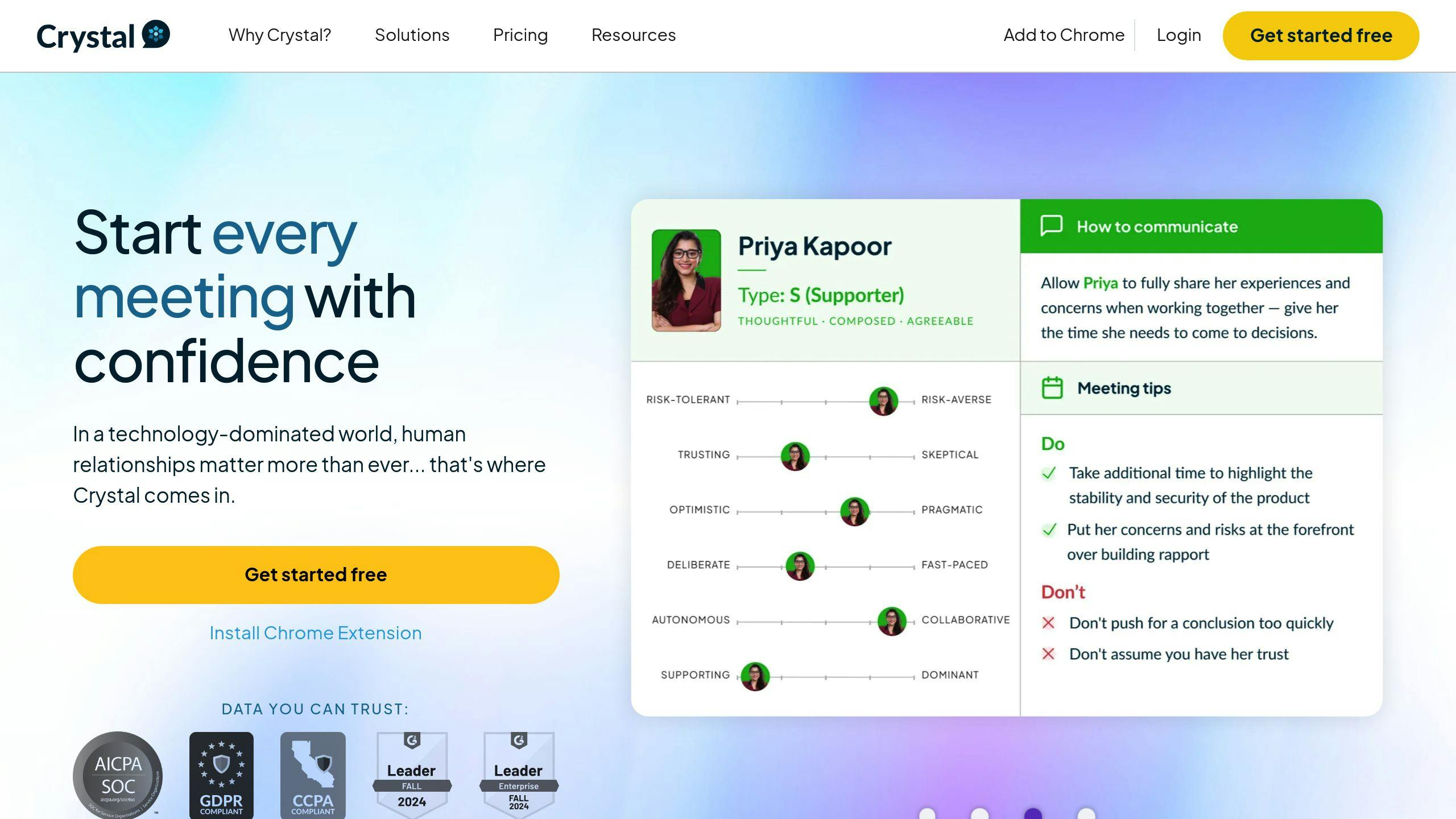
| Crystal | Personality insights | Communication |
| Expandi | Smart inbox, Campaign automation | Automation |
Remember: AI helps, but genuine connections win. Use tech to enhance your human touch, not replace it.
Related video from YouTube
How LinkedIn’s Algorithm Works
LinkedIn’s algorithm isn’t just about posting. It’s about getting your content seen by the right people.
The Basics
Every day, LinkedIn’s algorithm sifts through billions of posts. Its goal? To show users relevant professional advice and expertise, not viral content.
"The focus isn’t on reaching the widest audience but on delivering a relevant message to the most appropriate audience." – Emily Sullivan, Tinuiti
The algorithm sorts content into three buckets:
- Spam
- Low-quality
- High-quality
Only high-quality content gets the green light for wider distribution.
What Boosts Visibility?
Five key factors influence how LinkedIn ranks and shares content:
- Relevance: Does it match the user’s interests?
- Connections: Is it from a first-degree connection?
- Engagement: Are people liking, commenting, and sharing?
- Timeliness: Is it recent? (The "golden hour" after posting matters)
- Profile Strength: Is the poster’s profile complete and keyword-rich?
| Factor | Impact |
|---|---|
| Relevance | High |
| Connections | High |
| Engagement | Medium-High |
| Timeliness | Medium |
| Profile Strength | Medium |
Want to boost your content’s visibility? Try these:
- Create posts that spark meaningful responses
- Use 3-5 relevant hashtags per post
- Avoid external links in posts (put them in comments)
- Post regularly
Remember: LinkedIn’s algorithm isn’t about going viral. It’s about connecting the right content with the right audience.
"The more closely you’re related to a follower, the more likely they are to see your posts." – LinkedIn Engineering Blog
Improving your LinkedIn profile
Your LinkedIn profile is your digital business card. It’s often the first thing people see when they look you up online. Here’s how to make it shine:
Writing a good headline and summary
Your headline is prime real estate. Make it count:
[Current Role] | [Key Skills] | [Your Impact]
For example:
"Marketing Manager | SEO & Content Strategy | 300% Traffic Growth"
This headline tells viewers exactly what you do and how you excel.
For your summary, start with a hook. Then, highlight your biggest wins and main skills. Keep it short and use "I" instead of "he" or "she".
Highlighting your skills and achievements
Don’t just list what you did. Show how you made a difference. Use strong verbs and real numbers.
Instead of: "Managed marketing campaigns"
Try: "Led digital marketing campaigns that boosted website traffic by 30% and conversions by 20%"
Ask your coworkers to endorse your skills. It makes your profile more credible.
Using keywords to be found easier
LinkedIn’s search engine loves keywords. Use them throughout your profile, especially in your:
- Headline
- Summary
- Experience
- Skills
But don’t go overboard. Use keywords naturally.
Pro tip: Make your LinkedIn URL your name. It helps you show up higher in search results.
Keep your profile up-to-date. Add new jobs, skills, or courses you’ve taken. This gives LinkedIn fresh info to work with, making you easier to find.
Creating a content plan
Want LinkedIn to bring in leads? You need a solid content plan. Here’s how to make one that works:
Types of LinkedIn content
LinkedIn gives you lots of ways to grab attention:
- Text posts
- Articles
- Videos
- Carousel posts
- Polls
- Documents (PDFs, presentations)
Mix it up to keep things interesting.
Mixing helpful and promotional content
Balance is crucial. Try the 40/40/20 rule:
- 40% Expertise: Share what you know
- 40% Engagement: Get people talking
- 20% Promotion: Show off your stuff
This way, you build trust without being pushy.
Using AI to create content
AI can make your life easier:
1. Content generation
Taplio, powered by GPT-4, can help you come up with ideas and even make LinkedIn carousels. Pretty neat, huh?
2. Content curation
AI can find cool stuff for you to share.
3. Scheduling
Tools like Buffer ($15/month) can post for you at the best times.
Just remember: Always double-check AI-generated content. You want it to sound like you, not a robot.
AI tools for better engagement
AI is changing LinkedIn lead generation. Here’s how you can use it to boost engagement:
Using AI chatbots
AI chatbots handle basic conversations, freeing you up for complex interactions. Intercom‘s AI chatbot can:
- Answer product questions
- Qualify leads
- Book sales meetings
This 24/7 support improves response times and lead quality.
Personalizing messages at scale
AI tools help send personalized messages to many leads quickly:
- Salesrobot: Finds key prospect info and creates custom connection requests. Users report up to 90% positive response rates.
- ChatGPT: Drafts tailored intros based on a prospect’s background and interests.
Example personalized connection request:
"Hi Esteban, Your global logistics insights intrigue me. Let’s connect and chat about industry trends. Your perspective matters. Best, [Your Name]."
Scheduling posts with AI
AI helps you post when your audience is most active. Buffer ($15/month) uses AI to:
- Analyze follower activity
- Suggest best posting times
- Auto-schedule content
This can boost engagement rates and post visibility.
Growing and maintaining your network
A strong LinkedIn network is crucial for lead generation. Here’s how to expand and nurture your connections:
Add new connections
To grow your network:
- Import contacts from your email and phone
- Personalize connection requests
- Use advanced search to find potential leads
- Engage with content from industry leaders
When reaching out, mention shared interests or mutual connections:
"Hi Sarah, I saw we both work in digital marketing. Let’s connect and chat about industry trends!"
Keep your network warm
- Share valuable content regularly
- Comment and like others’ posts
- Send personalized check-in messages
- Use AI tools like Expandi for scaled, tailored outreach
Get involved in LinkedIn Groups
Groups are networking goldmines:
| Strategy | Why it works |
|---|---|
| Join relevant groups | Connect with peers |
| Participate in discussions | Show your expertise |
| Share insights | Build credibility |
| Connect with active members | Expand your network |
Pro tip: Search for groups using industry-related keywords.
sbb-itb-d5be3ae
Using LinkedIn’s advanced features
LinkedIn’s got some serious tools for lead generation. Let’s dive into three key features:
Sales Navigator basics
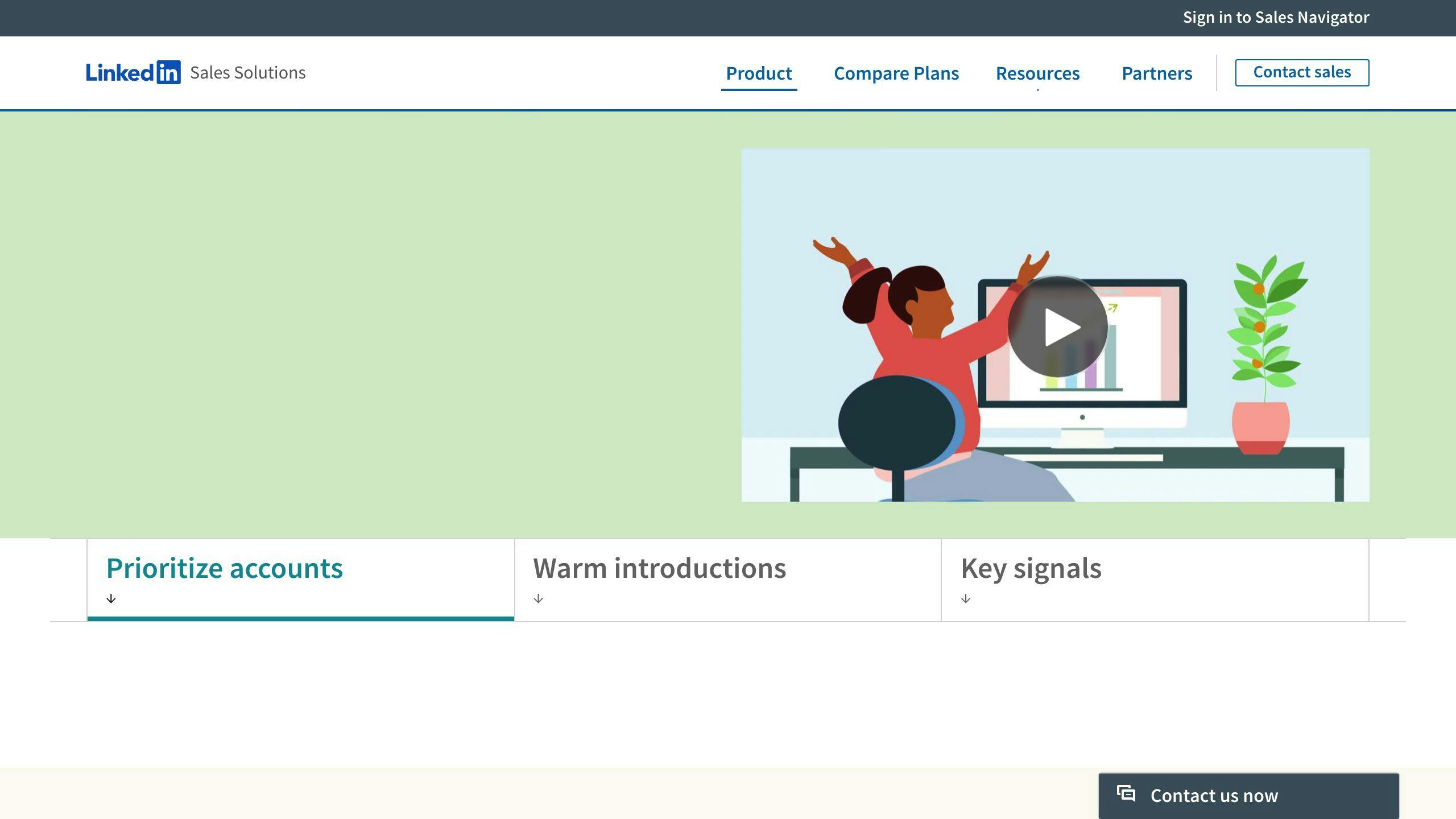
Sales Navigator is LinkedIn’s premium tool for B2B sales pros. It’s all about finding and engaging leads more effectively.
What can it do?
- Advanced search filters (location, job title, company size, industry)
- Saved searches and lead recommendations
- Real-time alerts on prospect activities
Here’s a pro tip: Use Spotlights to find prospects likely to engage based on shared experiences or recent activity.
The numbers don’t lie: Sales Navigator users see 42% larger deals, 15% more pipeline, and 17% higher win rates. It pays for itself in under six months with a 312% ROI over three years.
Setting up Lead Gen Forms
Lead Gen Forms make lead collection through LinkedIn ads a breeze. They’re pre-filled with user data, so conversion is smoother.
Setting up is easy:
1. Sign into Campaign Manager
2. Select your account
3. Click on Assets, then Lead Gen Forms
4. Create a new form
Keep these best practices in mind:
- Short forms (3-4 fields)
- Avoid manual input
- Consistent messaging throughout
| Form Element | Best Practice |
|---|---|
| Fields | 3-4 maximum |
| Input type | Pre-filled when possible |
| Messaging | Consistent with ad |
| Thank you | Include next steps |
Lead Gen Forms convert at 13% on average, way higher than typical landing pages at 4.02%.
LinkedIn advertising options
LinkedIn’s got a variety of ad types for lead generation:
| Ad Type | Best For |
|---|---|
| Document Ads | Sharing gated content previews |
| Video Ads | Explaining products/processes |
| Single Image Ads | Organic-feeling news feed presence |
| Text Ads | Cost-effective impressions |
Document Ads are lead generation powerhouses. They let you share a content preview, with the full document available after users submit their info via a Lead Gen Form.
LinkedIn’s ad targeting is super precise, with over 20 attributes like company name, team size, job title, and education. Combined with its professional audience, it’s a B2B lead generation goldmine.
AI tools for LinkedIn lead generation
AI is changing LinkedIn lead generation. Here are some top tools:
AI automation tools overview
These tools help with:
- Sending connection requests
- Messaging prospects
- Engaging with posts
- Creating content
They save time but use them wisely to avoid spamming.
SuperTurtle.AI features
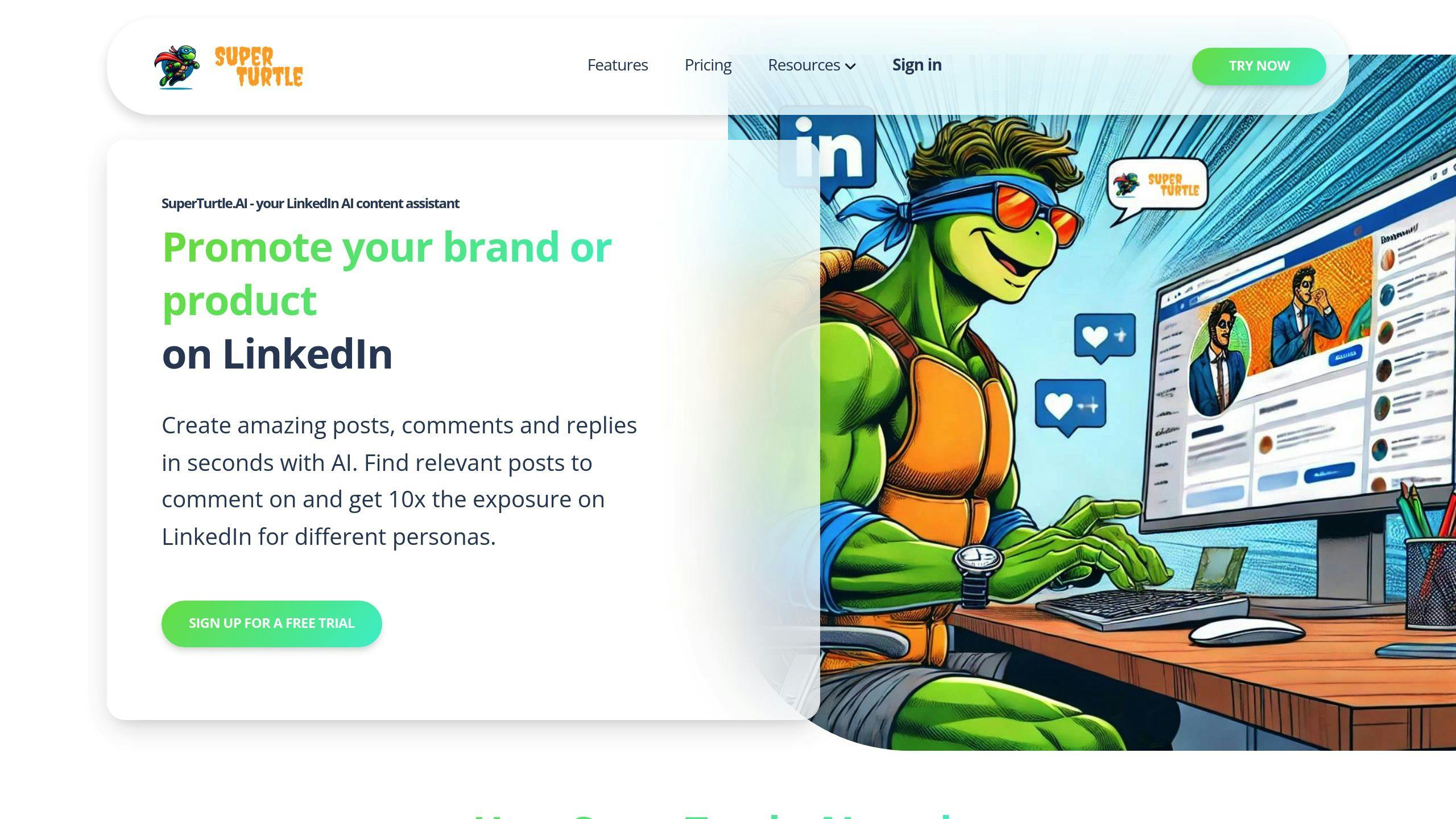
SuperTurtle.AI boosts LinkedIn visibility:
- AI-powered comment generation
- Post creation help
- Browser extension
Users spend less time on LinkedIn but increase activity.
"Easy to use. automated my Linkedin communication with it." – Klaus-M. S., Founder, Marketing
AI tool comparison
Here’s how some popular AI tools compare:
| Tool | Key Features | Pricing |
|---|---|---|
| SuperTurtle.AI | Comment generation, Post creation | Free version available |
| Dux-Soup | Connection requests, Messaging | Starts at $15/month |
| Taplio | Content creation, Scheduling | $29-$49/month |
| Crystal | Personality insights | Free plan, $49/month Premium |
| Expandi | Smart inbox, Campaign automation | Custom pricing |
Each tool has its focus. SuperTurtle.AI is for engagement, Dux-Soup for outreach, Taplio for content, and Crystal for communication.
When picking a tool, think about:
- Your main goals
- Budget
- Ease of use
- LinkedIn’s automation rules
Tracking and analyzing results
To boost your LinkedIn lead generation, you need to track and analyze your results. Here’s how:
Key metrics to watch
Focus on these:
- Engagement rate
- Conversion rate
- Cost per lead
- Lead quality
Fun fact: LinkedIn Lead Gen Forms convert at 13% on average. That’s way better than typical landing pages at 4.02%.
AI: Your crystal ball
AI tools can help you:
- Score leads
- Predict content performance
- Spot industry trends
Example: AI spotted the eco-friendly product trend early. Smart companies jumped on it and launched products before everyone else.
Getting better over time
Use your data to improve:
1. Check your stats weekly
Look at your LinkedIn Analytics Dashboard. Pay attention to views, likes, comments, and shares.
2. Experiment
Try different content, posting times, and messaging. See what sticks.
3. Tweak based on results
| What we did | What happened |
|---|---|
| More video content | Engagement up 25% |
| Personalized connection requests | Acceptance rate up 50% |
| Used Sales Navigator for outreach | 30% more good leads |
4. Learn from others
Hiredly crushed it with LinkedIn Lead Gen Forms. They turned 70% of marketing qualified leads into sales qualified leads. Study what works in your industry.
5. Use smart tools
Sales Navigator Smart Links shows you how prospects interact with your content. Use this to personalize your follow-ups.
Ethical use of AI for lead generation
AI can supercharge your LinkedIn lead gen. But you need to use it right. Here’s how:
Keep it real
AI helps you reach more people. But don’t sound like a robot:
- Tweak AI messages to match your style
- Always review AI content before posting
- Use AI for research, not to replace your know-how
Play by LinkedIn’s rules
LinkedIn has strict automation rules. Break them, and you’re out:
- No auto-connect or message tools
- Stick to LinkedIn’s daily limits
- Only use LinkedIn-approved tools
| Action | Daily Limit |
|---|---|
| Connection requests | 100 |
| Messages | 250 |
| Profile views | 500 |
Blend AI with human touch
AI is your sidekick, not your replacement:
- Use AI for first contact, personalize follow-ups
- Let AI crunch numbers, you build relationships
- Have real talks in comments and DMs
David Connors, Co-Founder and CEO of The Swarm, nails it:
"AI tools will handle the boring stuff humans hate. That frees us up for the important tasks. But in the end, it’s still humans talking to humans."
Future of AI in LinkedIn lead generation
AI is shaking up LinkedIn lead generation. New tools are making it faster and easier to find potential customers.
New AI technologies
Dux Soup is launching features in 2024 that let you manage multiple clients from one dashboard and use AI for lead generation. This could save users time and money.
LeadFuze uses AI to create targeted lead lists from LinkedIn, automating the search and engagement process.
Expandi offers smart inbox management and campaign automation within LinkedIn’s rules.
These tools show how AI is making lead generation more efficient. But it’s not just about speed – AI is also helping make connections more personal.
Changing user behavior
As AI becomes more common, LinkedIn users expect more personalized experiences. LinkedIn itself is adding AI features for job seekers and recruiters, including:
- AI-powered job searches
- Help with job applications
- Personalized career coaching
This means users will expect more tailored interactions from businesses too.
But there’s a catch. Prashanthi Padmanabhan, VP of Engineering at LinkedIn, says:
"We help draft that message with those insights so that it doesn’t feel like a robotic, out-of-the-box outreach message."
The key? Use AI as a starting point, not the final product. People still want to talk to real humans.
Here’s what this means for lead generation:
1. Personalization at scale
AI can help create custom messages for lots of people. But you need to review and tweak them to sound human.
2. Smarter targeting
AI tools can predict who’s most likely to become a customer, letting you focus on the best leads.
3. Content creation
AI can help write posts and articles. But as one job seeker noted about LinkedIn’s AI suggestions:
"While the new text isn’t exactly wrong, it’s also not completely accurate. I can tell that the AI just took information from my past jobs and put it all together in sentences rather than bullet points."
You’ll need to edit AI-generated content to make sure it’s accurate and sounds like you.
4. Data-driven decisions
AI can analyze tons of data to show what’s working and what’s not, helping you improve your strategy over time.
The future of AI in LinkedIn lead generation is about working smarter, not harder. It’s a tool to help you, not replace you. The winners will be those who use AI to boost their human touch, not replace it.
Conclusion
LinkedIn lead generation is changing fast. AI and new user needs are driving this change. Here’s how to win in 2024 and beyond:
1. Use AI smartly
AI can help, but keep it human. Prashanthi Padmanabhan from LinkedIn says:
"We help draft that message with those insights so that it doesn’t feel like a robotic, out-of-the-box outreach message."
2. Get personal
AI lets you tailor content for lots of people. But check and tweak AI messages to sound real.
3. Make great content
Start with AI, but don’t stop there. Edit AI content to fit your brand and get the facts right.
4. Use data smarts
AI can crunch big data to help you target better. Use what you learn to keep improving.
5. Keep up with LinkedIn
LinkedIn’s adding AI for job searches and career advice. Expect similar stuff for lead generation.
6. Mix tech and human touch
AI can speed things up, but people still want to talk to real humans.
Remember: AI is a tool, not a replacement for genuine connections. Use it to enhance your lead generation, not to take over completely.