LinkedIn’s AI tools in 2024 make job searching faster and more personalized. These tools help you find roles that match your skills, identify areas for growth, and optimize your profile to attract recruiters. Here’s what you’ll learn in this guide:
- AI Job Suggestions: Get tailored job matches based on your profile.
- Career Explorer: Discover new career paths and fill skill gaps.
- Profile Optimization: Use AI to improve your visibility to recruiters.
- SuperTurtle.AI: Automate LinkedIn posts and engagement to stay active.
Quick Start Tips:
- Keep your profile updated with skills and measurable achievements.
- Use keywords from job descriptions to boost visibility.
- Turn on the #OpenToWork feature to double recruiter messages.
- Leverage AI tools like SuperTurtle.AI to maintain a consistent LinkedIn presence.
These tools simplify job hunting and help you stand out in a competitive market.
LinkedIn AI Tools to Improve Job Searches
AI-Based Job Suggestions
LinkedIn uses AI to match you with job opportunities tailored to your background. It evaluates factors like:
- Your professional history (roles and industry experience)
- Skills and certifications
- Education
- Location and work preferences
To improve your matches, keep your profile updated with detailed work descriptions and current skills. Beyond job-specific suggestions, LinkedIn also offers tools like Career Explorer to help you consider broader career options.
Using LinkedIn Career Explorer
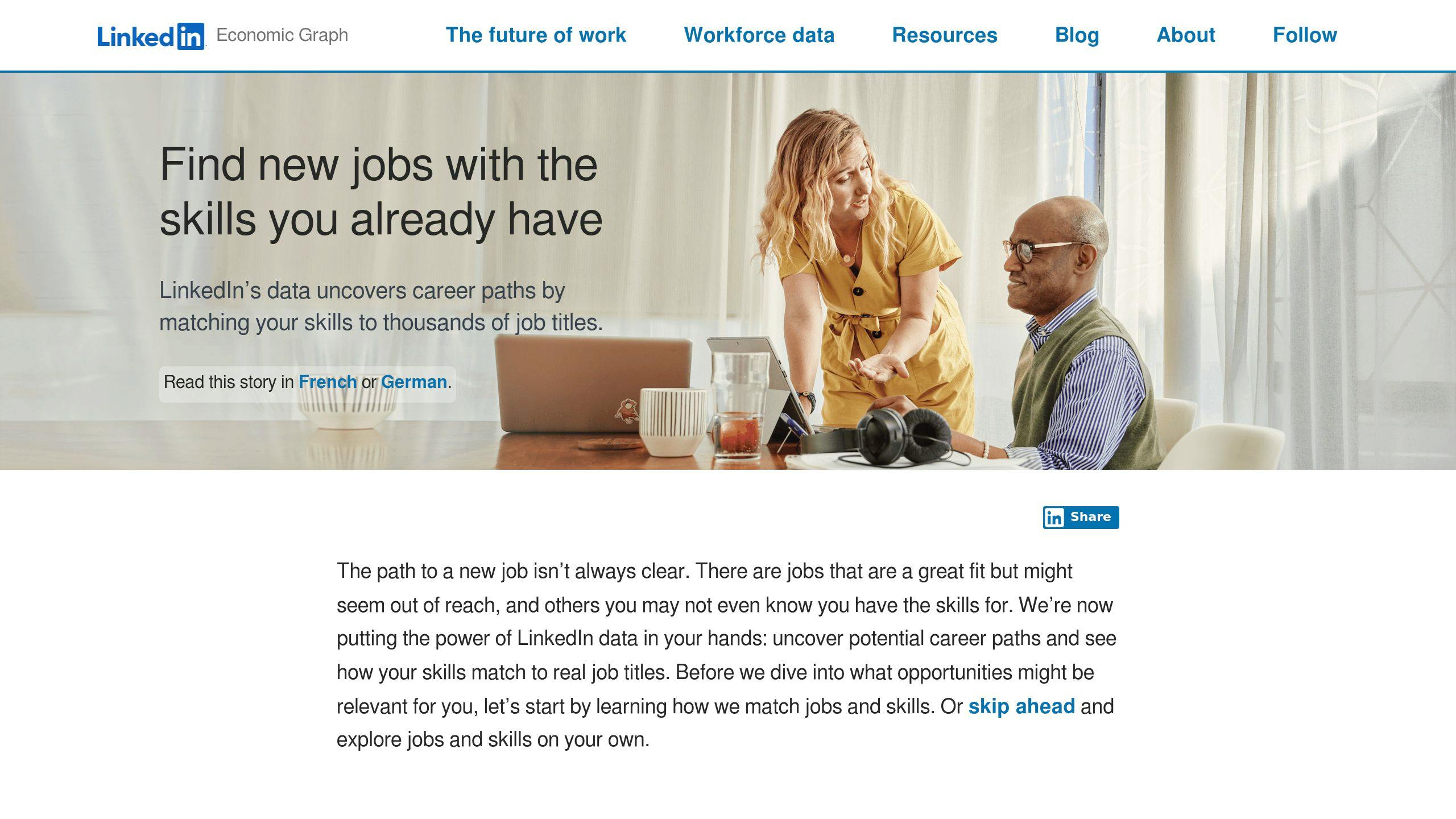
Career Explorer acts as a guide to uncover roles that fit your skills and experience. While job suggestions focus on immediate matches, this tool helps you see alternative career paths you might not have thought about.
| Feature | Purpose and Benefit |
|---|---|
| Skills Analysis | Identifies transferable skills based on your current ones |
| Career Mapping | Highlights possible transitions to new roles |
| Gap Assessment | Points out missing skills and suggests ways to acquire them |
| Market Insights | Shares data on growing industries for targeted job searches |
This tool is especially helpful if you’re thinking about switching careers. It shows how your existing skills can apply to new roles and what additional expertise you might need. Once you’ve pinpointed your goals, updating your profile to attract recruiters becomes a critical next step.
AI Tips for Profile Updates
LinkedIn’s AI offers advice to make your profile stand out to recruiters. Focus on these areas:
- Optimize Skills and Keywords: Include popular skills and terms specific to your industry that recruiters often search for.
- Quantify Achievements: Use numbers to showcase your accomplishments, like revenue growth, project success rates, or team sizes.
- Align with Industry Trends: Make sure your profile reflects current trends and language in your field.
The platform uses insights from successful profiles in your industry to suggest improvements, helping you increase your chances of being noticed by recruiters.
Master LinkedIn for Job Search: Boost Your Career with AI Tools
Steps to Make Your LinkedIn Profile AI-Friendly
Making your LinkedIn profile optimized for AI can help you connect with recruiters and land more opportunities.
Adding the Right Keywords
Study 5-10 job descriptions for roles you’re targeting and pick out recurring keywords. Incorporate these into your headline, About section, work history, and skills. For instance, instead of using vague terms like "analytics tools", be specific with phrases like Google Analytics 4. Including industry-specific keywords can boost recruiter views by 40%.
Showcasing Skills and Results
AI favors profiles that highlight measurable outcomes. Use this simple framework to make your experience shine:
| Component | Example | Why It Works |
|---|---|---|
| Action Verb | Implemented | Demonstrates responsibility |
| Specific Project | CRM system migration | Clearly defines your role |
| Quantifiable Result | Reduced response time by 35% | Shows concrete impact |
| Timeframe | Q4 2023 | Proves recent relevance |
For example, instead of saying, "Managed a team", say: "Led a 15-person team to deliver 3 product releases in 2023, driving 28% revenue growth." Numbers and specifics make your profile more compelling.
Using the #OpenToWork Feature
Turn on the #OpenToWork setting to let recruiters know you’re available. Specify job titles, locations (including remote options), start dates, and job types (full-time, contract, etc.). Choose between visibility options: all LinkedIn members (green frame) or recruiters only (more discreet). Profiles with #OpenToWork enabled get 2x more messages from recruiters, so keep your preferences up to date.
Make sure to include details like:
- Job titles you’re targeting
- Preferred work locations
- Availability to start
- Job types you’re open to (e.g., full-time, freelance)
sbb-itb-d5be3ae
Boosting Engagement with AI Tools
Staying active on LinkedIn is a must for job seekers. AI tools can help you stand out and interact more effectively, making your job hunt smoother and more productive.
What is SuperTurtle.AI?
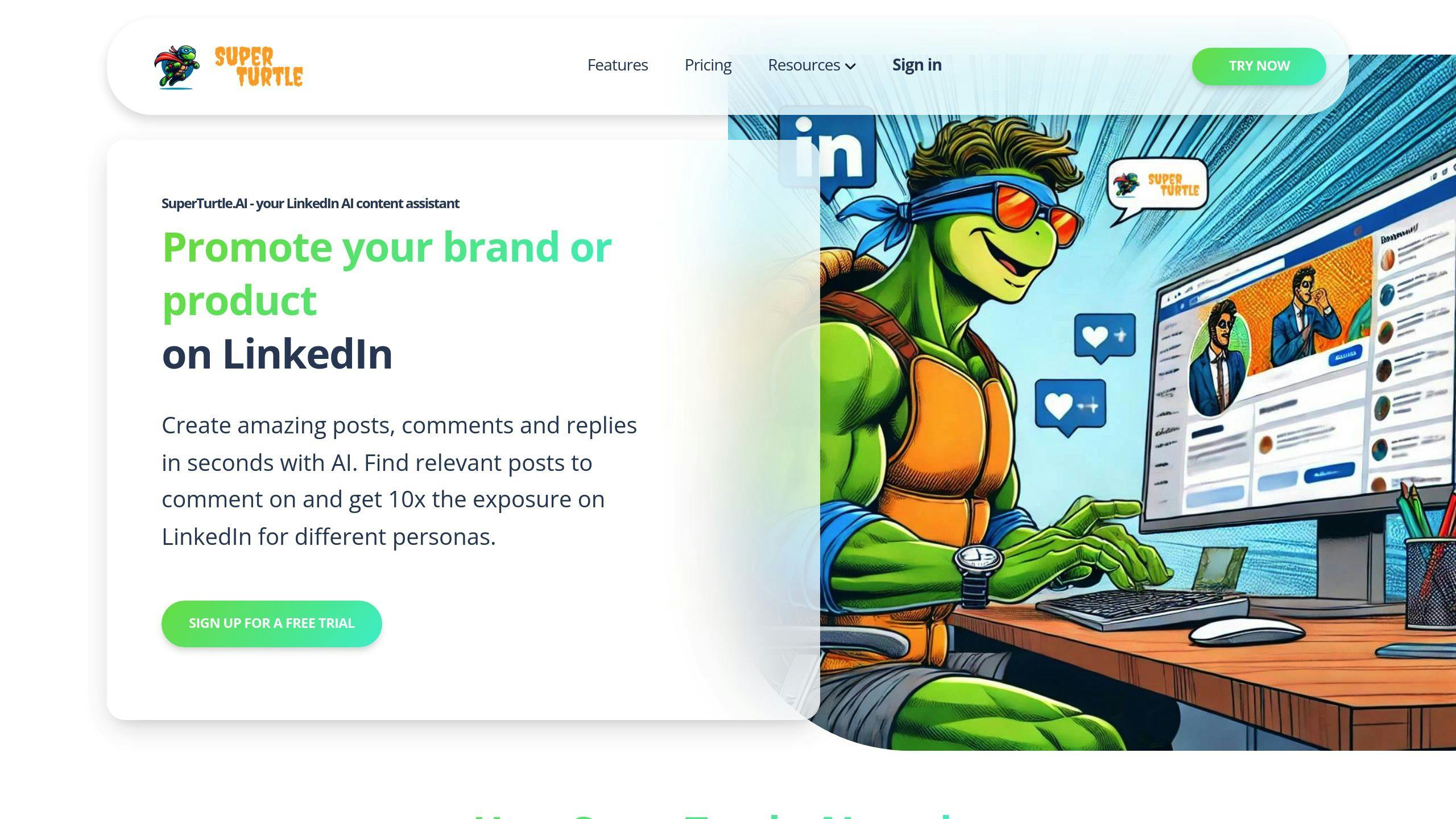
SuperTurtle.AI is an AI-powered assistant designed to improve your LinkedIn presence by automating personalized posts and comments. It allows job seekers to focus on networking and applying for roles while ensuring their professional engagement remains consistent. It works seamlessly with LinkedIn’s features to keep you active and visible.
Features and Benefits
SuperTurtle.AI offers a range of plans, from free basic options to premium packages with unlimited content creation and detailed analytics. Here’s what it can do for you:
| Feature | How It Helps |
|---|---|
| Content Creation | Generates posts tailored to your industry, showcasing your expertise. |
| Consistent Activity | Keeps your LinkedIn profile active, even when you’re busy. |
| Time-Saving | Lets you focus on job applications while it handles routine engagement. |
| Networking Support | Builds relationships through automated, thoughtful interactions. |
While LinkedIn’s AI helps you find jobs and polish your profile, SuperTurtle.AI takes care of keeping your account active. It automates tasks like sharing updates or commenting on relevant industry news, ensuring you stay visible in your professional circle.
Conclusion: Using AI to Stay Ahead in Your Job Search
Key Takeaways
LinkedIn’s AI features help refine your profile, recommend tailored job opportunities, and offer valuable career insights. Meanwhile, tools like SuperTurtle.AI boost engagement by automating content creation, ensuring your professional presence stays active and noticeable. Together, these tools simplify the job search process while keeping you ahead of the competition.
AI in job searching isn’t just about saving time – it’s about giving you an edge in a crowded market. LinkedIn’s AI focuses on job matching and skill suggestions, while SuperTurtle.AI keeps your profile visible and engaging by automating routine tasks.
Making AI Work for Your Job Hunt
AI tools can give you a competitive edge in today’s job market. Using LinkedIn’s AI alongside SuperTurtle.AI creates a well-rounded approach, blending automation with meaningful professional interactions. Let SuperTurtle.AI handle repetitive tasks, so you can focus on networking and preparing for interviews.
Success in 2024 means using these tools wisely without losing sight of genuine connections. LinkedIn’s AI and SuperTurtle.AI provide a powerful combination to keep you visible and relevant while you build lasting professional relationships.
"AI tools are essential for staying competitive in today’s job market. They help job seekers stand out by personalizing their job search strategies and improving their visibility on platforms like LinkedIn."
FAQs
How to use LinkedIn to find a job in 2024?
LinkedIn has introduced AI tools that make job searching in 2024 much easier, especially for Premium members. For instance, you can type something like, "Find me a remote marketing job in Riyadh", and LinkedIn will provide tailored job matches along with insights on how well you fit each role.
Here are some effective ways to use LinkedIn’s AI features:
- Optimize Your Profile: Use a professional photo and include keywords and measurable achievements in your profile. LinkedIn’s AI scans these details to connect you with the right opportunities.
- Smart Job Suggestions: Based on your profile and preferences, LinkedIn’s AI recommends jobs. Premium users also get detailed insights on how they match each position and suggestions for improvement.
- Increase Visibility: Use the #OpenToWork feature to let recruiters know you’re available. Adjust your visibility settings to target hiring managers. AI works behind the scenes to ensure your profile reaches the right people.
Data shows that 66% of global business leaders now prioritize candidates with AI skills. LinkedIn’s tools can help you showcase these abilities effectively:
| AI Feature | Job Search Advantage |
|---|---|
| Natural Language Search | Find jobs that match your needs |
| Skills Analysis | Get tailored job suggestions |
| AI-Powered Visibility | Reach more recruiters |
| Fit Assessment | Understand how you match roles |
To stand out, stay active on the platform and consider earning AI certifications to highlight your technical skills. LinkedIn’s algorithms tend to favor profiles that show regular engagement and relevant expertise.